In 2019, I wrote about our HDB WiFi setup using three Asus routers and AiMesh. That setup worked for several years, especially since we already owned the routers and could reuse them.
I have since ditched AiMesh. This is the setup I would recommend today.
The setup at a glance
Our current network consists of:
- An M1 6Gbps fibre connection with an XGS-PON ONT.
- An Asus ROG Rapture GT-AX6000 as the main router.
- A direct LAN connection from the Asus to my desktop.
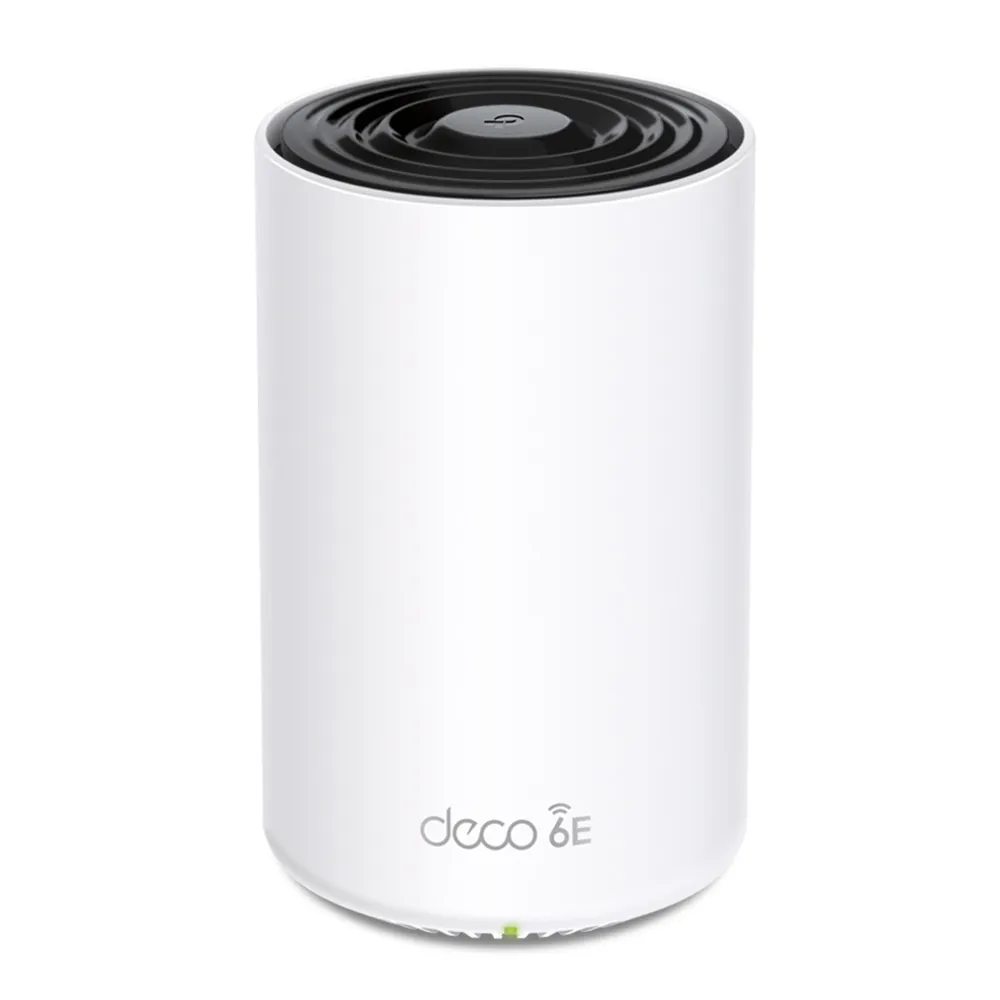
- A TP-Link Deco XE75 Pro unit in the living room for WiFi.
- Another Deco unit in the master bedroom, connected through wired backhaul.
The Asus handles the network while the Deco units handle WiFi coverage. It works really well, and the whole flat is covered.
How everything is connected
The connection enters the flat through M1’s ONT and goes directly into the Asus router.
M1 XGS-PON ONT
        |
Asus ROG Rapture GT-AX6000
        |-- Desktop by LAN
        |
        |-- Deco in living room
                    |
              Wired backhaul
                    |
              Deco in master bedroom
It may look like a two-router setup, although the Asus is the only device doing the routing. The Deco system runs in access point mode and provides one WiFi network around the home.
What the Asus router does
The GT-AX6000 sits at the centre of the network, beside the DB box. It:
- Receives the Internet connection from the ONT
- Connects directly to my desktop via LAN
- Feeds the Deco mesh
- Runs Asuswrt-Merlin and has great hardware
Why I moved from AiMesh to Deco
AiMesh worked, although it was never especially seamless for us. Our phones did not always switch cleanly between the routers, and the setup needed more fiddling than I wanted. The Deco mesh has been much smoother. We can move around the flat and our phones switch between nodes without us having to think about it.
Our phones did not need high-end routers at every node
Most of our WiFi usage is on phones, laptops, and air purifiers + dehumidifer. Stable coverage and seamless roaming matter more than world class performance.
I don’t game anymore, so I wouldn’t even need great Asus (and Merlin firmware) features they ship with. The Deco was fine for all wireless needs.
The older Asus routers were no longer worth salvaging
My other Asus routers were also getting old. One was an RT-AC88U (AC!!). Keeping it in the mesh would have meant carrying older WiFi hardware forward simply because I already owned it. Couldn’t use it as my main either, because it had a slower CPU and lesser RAM than the Rapture.
Buying new Asus routers for the mesh was hard to justify too. They are built and priced as high-performance routers first, with AiMesh as an additional capability. I would have been paying for a full router at every node even though the extra units only needed to provide WiFi coverage.
All in all, there was no point buying several expensive Asus routers just to turn them into mesh nodes. One capable Asus router and a dedicated mesh system suited us much better.
Why I chose M1’s 6Gbps plan
I recontracted with M1 on its 6Gbps HomePac plan, even though my current network cannot come close to using the full capacity.
When I recontracted, the relevant prices were:
- 3Gbps with ONT: $29.90 a month
- 6Gbps with ONT: $27.90 a month
- 10Gbps with ONT: $29.90 a month
The 6Gbps plan was the cheapest. Over a 24-month contract, it also cost $48 less than the 3Gbps and 10Gbps plans.
That made the choice quite easy. I could pay less each month and receive more capacity than I needed.
I also wanted an ONT so that I could continue using the GT-AX6000 as my main router. The Deco units could then remain in access point mode, leaving the Asus to manage the network and run Asuswrt-Merlin.
Most of the 6Gbps remains unused
The main limits in my current setup are:
- The GT-AX6000 has a 2.5Gbps WAN port
- The in-wall Ethernet links currently operate at 1Gbps
- Devices connected through those links are therefore limited to 1Gbps
- WiFi speeds depend on the Deco units, client devices, distance and interference
The 6Gbps figure describes the broadband plan, rather than the speed that any single device will receive.
In practice, the Asus limits the total Internet connection entering my network to 2.5Gbps. The wall connections then impose a lower limit on most devices around the flat.
That is fine. The plan was still worthwhile because it:
- Was the cheapest M1 option available
- Let me keep an ONT and use my own router
- Provided far more capacity than our household needed
- Allowed me to keep relatively new equipment
- Left some room for future upgrades
I am not going to replace working equipment just to produce a larger number in a speed test.
XGS-PON moved the bottleneck into the home
XGS-PON makes 10Gbps broadband plans surprisingly cheap. The difficult part is now making the rest of the home network fast enough to use them.
A meaningful upgrade would require me to look at:
- A router with faster WAN and LAN ports
- Multi-gigabit ports on the mesh units
- Replacing Cat 5e cabling and terminations with Cat 6A
- Faster network adapters on the devices themselves
The wiring was installed before we moved in, and any major replacement would probably involve renovation work. That would be too messy for a speed upgrade we do not currently need.
For now, 1Gbps around the flat is plenty. The whole home is covered, the desktop has a stable wired connection, and the network mostly stays out of the way.